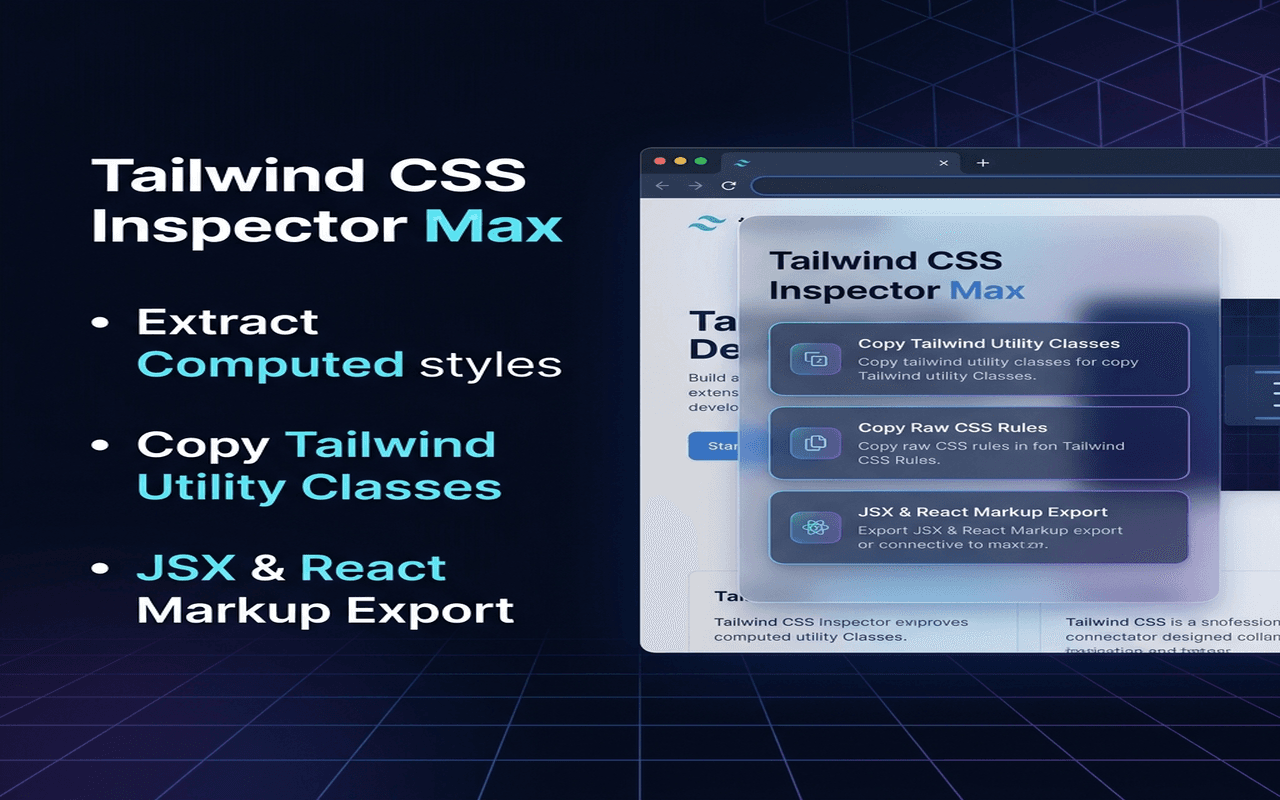
Copying design styling from pages is a routine task for developers. However, inspecting an element in Chrome DevTools and copying styles line-by-line is slow, and manually rewriting those styles into Tailwind utility classes is tedious.
To solve this, I built Tailwind CSS Inspector Max—a Chrome extension that injects a hover overlay onto any webpage, extracts the computed CSS styles of a clicked element, and translates them into clean Tailwind utility classes, raw CSS, or React JSX.
Here is the technical breakdown of the architecture and translation engine.
The Architecture: Injection via ActiveTab
Instead of running content scripts globally on all pages (which creates annoying permission dialogs and increases Chrome Web Store review times), this extension uses the secure activeTab and scripting APIs.
When you click the toolbar icon, Chrome temporarily grants permission to access that specific page.
The background service worker (background.js) dynamically injects the stylesheet (content.css) and logic script (content.js).
Lifecycle of a Click Trigger
sequenceDiagram
    participant User as User
    participant SW as Background Service Worker
    participant Page as Active Tab Context (content.js)

    User->>SW: Click Toolbar Extension Icon
    SW->>SW: Check if inspector is already injected

    alt First Click on Tab
        SW->>Page: Inject content.css & content.js
    else Subsequent Click
        SW->>Page: Send toggle message
    end

    Page->>Page: Toggle hover listener states
Core Technical Solutions
1. Element Highlights & Cursor Overlay
Once injected, content.js tracks the cursor and positions an absolute-positioned border overlay (.tw-inspector-hover-box) around elements.
We query the hovered element using document.elementFromPoint():
// content.js
function onMouseMove(e) {
  if (!active) return;

  const target = document.elementFromPoint(e.clientX, e.clientY);

  if (!target || target.className.startsWith('tw-inspector-')) return;

  // Track coordinates and update bounding box position
  const rect = target.getBoundingClientRect();

  hoverBox.style.width = `${rect.width}px`;
  hoverBox.style.height = `${rect.height}px`;
  hoverBox.style.left = `${rect.left + window.scrollX}px`;
  hoverBox.style.top = `${rect.top + window.scrollY}px`;
  hoverBox.style.display = 'block';
}
2. CSS-to-Tailwind Translation Engine
When a user clicks, we intercept the event, query window.getComputedStyle(element), and pass it to a compiler.
The compiler maps spacing, display modes, font sizes, weights, and borders.
function convertCssToTailwind(element, styles) {
  const classes = [];

  // Map Display (Flex, Grid, Block)
  const display = styles.display;

  if (display === 'flex') {
    classes.push('flex');

    if (styles.flexDirection === 'column') {
      classes.push('flex-col');
    }
  }

  // Map Spacing (Padding/Margin)
  const pt = styles.paddingTop;
  const pb = styles.paddingBottom;

  if (pt === pb && pt !== '0px') {
    classes.push(getSpacingClass('py', pt));
  }

  // Map Background Colors (converting rgb to hex values)
  const bgColorHex = rgbToHex(styles.backgroundColor);

  if (bgColorHex) {
    classes.push(`bg-[${bgColorHex}]`);
  }

  // Map Fonts
  const fs = styles.fontSize;

  if (fs) {
    classes.push(
      fontSizeMap[fs]
        ? `text-${fontSizeMap[fs]}`
        : `text-[${fs}]`
    );
  }

  return classes.join(' ');
}
3. Defensive Namespacing to Avoid Styling Contamination
Since our script is injected directly into foreign websites, overlay styles can easily clash with the page's native stylesheets.
The Solution
All extension-generated CSS classes are prefixed with:
.tw-inspector-*
Examples include:
.tw-inspector-modal.tw-inspector-tooltip.tw-inspector-hover-box
Additional protection is achieved using:
all: initial !important;
and other defensive styling patterns to block unwanted inheritance from host-page CSS.
Safe, Secure, and Private
Since styling calculations and clipboard actions are handled entirely within the browser sandbox using:
window.getComputedStyle()
no source code, layout information, or page data is transmitted to external APIs.
The extension operates 100% offline, ensuring privacy and security.
Conclusion
Using Manifest V3's dynamic scripting APIs allows developers to build powerful interactive page inspectors without requesting invasive, broad permissions.
By leveraging temporary page access through activeTab, dynamically injecting scripts, and translating computed styles into Tailwind utility classes, the extension provides a fast workflow for developers who frequently recreate designs from existing websites.
You can explore the full source code and version history in the GitHub repository:
Sana720/json-fomratter