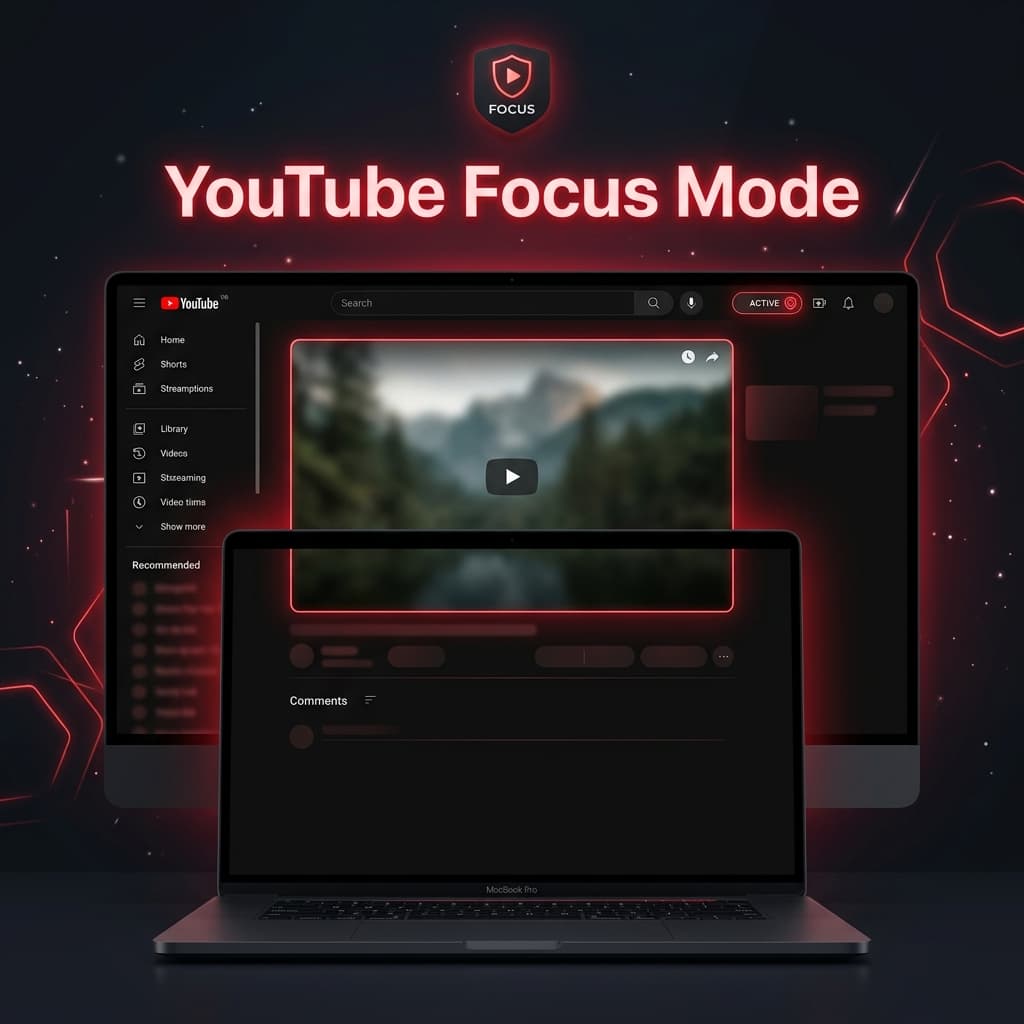
YouTube is one of the most powerful platforms for learning and entertainment—but it's also one of the biggest sources of distraction online.
Auto-playing recommendations, endless Shorts, comment threads, and algorithm-driven suggestions are designed to keep you watching longer, not necessarily learning more.
YouTube Focus Mode is a Chrome extension designed to solve this problem by transforming YouTube into a clean, distraction-free environment that helps you stay focused on what matters.
Why YouTube Is So Distracting
YouTube is intentionally built to maximize engagement.
While useful, it includes several attention traps:
- Shorts feed that encourages endless scrolling
- Comment sections that pull you away from the video
- Recommended videos on the sidebar
- Autoplay suggestions after each video
- Home feed filled with algorithmic content
These features can lead to:
- Lost productivity
- Excessive screen time
- Reduced focus
- Accidental binge-watching
YouTube Focus Mode removes these distractions so you can take control of your viewing experience.
What Is YouTube Focus Mode?
YouTube Focus Mode is a productivity-focused Chrome extension that simplifies YouTube by hiding distracting elements and enforcing intentional viewing behavior.
Instead of browsing endlessly, you search, watch, and leave—without distractions pulling you deeper into the algorithm.
Free Features
Hide YouTube Shorts
Shorts are one of the most addictive features on YouTube.
Focus Mode removes:
- Shorts tab from the sidebar
- Shorts videos from homepage feeds
- Shorts results from search pages
This helps eliminate short-form scrolling behavior.
Hide Comments Section
Comments often lead to unnecessary scrolling and distraction.
With this feature:
- Comment sections are completely hidden
- No scrolling rabbit holes under videos
- Cleaner viewing interface
Stay focused on the video content itself.
Hide Recommendations
The “Up Next” sidebar and related video suggestions are removed to prevent distraction loops.
What this improves:
- No autoplay distractions
- No “just one more video” temptation
- Better content control
Clean Homepage Feed
Instead of algorithmic recommendations, YouTube Focus Mode replaces the homepage with a simple search-based interface.
This encourages:
- Intentional searches
- Goal-driven viewing
- Reduced mindless browsing
Pro Features
Focus Schedules
Set automatic focus time windows such as:
- 9:00 AM – 5:00 PM (work hours)
- Study sessions
- Night productivity blocks
During these times, YouTube automatically switches into distraction-free mode.
Keyword Video Blocker
Block videos based on keywords in titles or descriptions.
Examples:
- “gaming”
- “unboxing”
- “reaction”
- “vlog”
This gives users granular control over their content consumption.
Distraction Statistics
Track how many distractions are being blocked in real time.
Includes:
- Shorts hidden counter
- Comments blocked count
- Recommendations removed count
This creates awareness of your distraction patterns and helps improve digital habits.
Who Should Use YouTube Focus Mode?
Students
Watch educational content without getting distracted by entertainment recommendations.
Professionals
Stay focused while watching tutorials, webinars, or training content.
Developers
Avoid falling into endless tutorial or entertainment loops.
Content Consumers Trying to Reduce Screen Time
Take control of your YouTube usage and eliminate addictive browsing patterns.
Key Benefits
Stay Focused
Remove algorithm-driven distractions and stay on task.
Improve Productivity
Watch only what you intentionally search for.
Reduce Screen Addiction
Break the cycle of endless recommendations and Shorts.
Clean Viewing Experience
Enjoy a minimal, distraction-free YouTube interface.
Better Intentional Learning
Use YouTube as a tool—not a time sink.
Privacy-First Design
YouTube Focus Mode is built with privacy in mind.
- No data collection
- No tracking
- No external servers
- All settings stored locally
Your browsing behavior stays private.
Why YouTube Focus Mode Works
Unlike traditional blockers that simply restrict access, YouTube Focus Mode reshapes the platform into a clean, intentional learning environment.
It helps users:
- Watch less but learn more
- Avoid algorithm traps
- Build healthier viewing habits
- Stay productive while using YouTube
Final Thoughts
YouTube is an incredible platform—but without boundaries, it can quickly become a distraction engine.
YouTube Focus Mode gives you control back by removing unnecessary noise and letting you focus on content that actually matters.
Whether you're studying, working, or learning new skills, this extension helps you turn YouTube into a tool for productivity—not procrastination.
Take control of your attention. Install YouTube Focus Mode and make YouTube work for you, not against you.