In today’s digital world, privacy is becoming more important than ever. Many websites contain sensitive personal or work-related data—emails, social media accounts, business dashboards, and private conversations.
But what if you could add an extra layer of protection directly inside your browser?
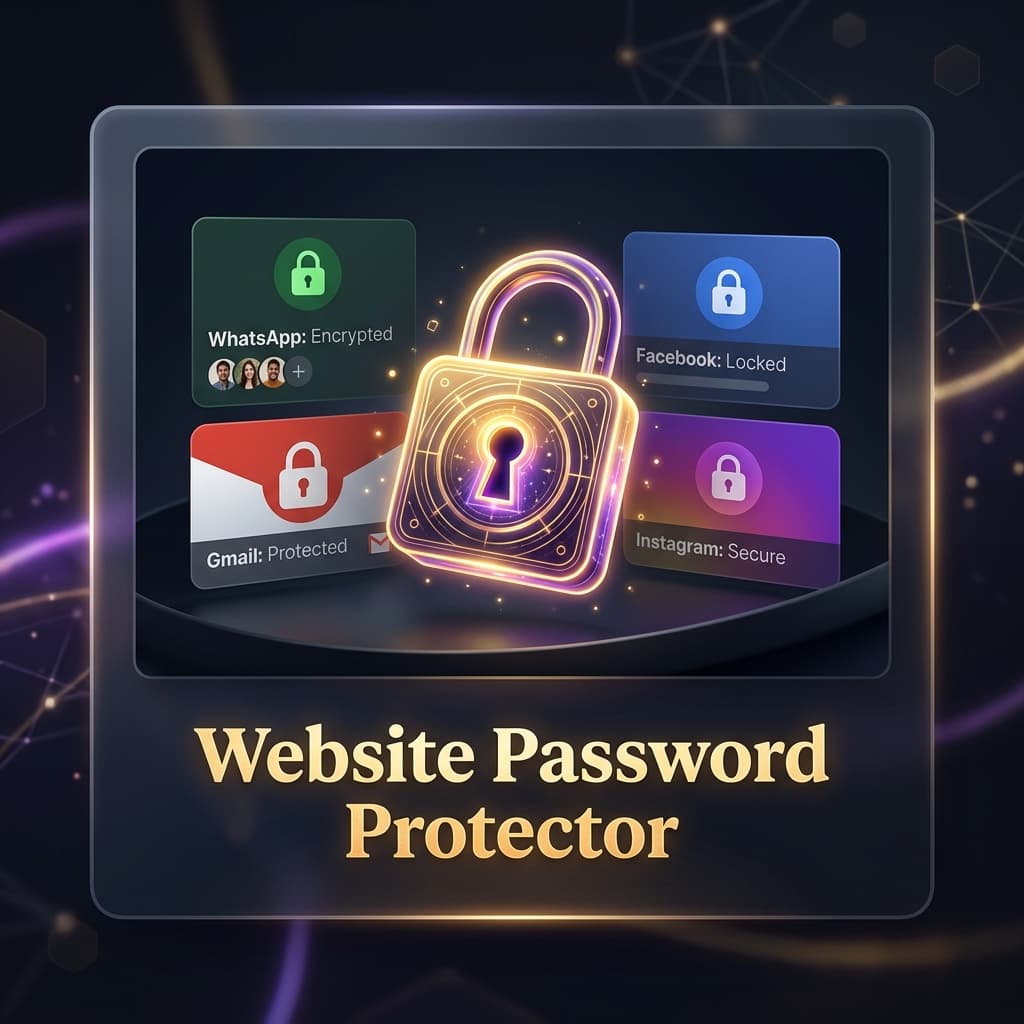
Website Password Protector is a Chrome extension that allows you to lock specific websites behind a secure password or PIN, preventing unauthorized access even if someone is using your unlocked computer.
Why Website-Level Protection Matters
Most users rely only on device-level security like Windows or macOS login screens. However, once the device is unlocked, anyone can access:
- Gmail inbox
- Facebook or Instagram accounts
- LinkedIn profiles
- WhatsApp Web conversations
- Work dashboards and internal tools
- Personal browsing sessions
This creates a serious privacy gap.
Website Password Protector solves this by securing individual websites at the browser level.
What Is Website Password Protector?
Website Password Protector is a Chrome extension that blocks access to selected websites and requires a password or PIN to unlock them.
Instead of restricting your entire browser, it gives you granular control over specific websites.
You decide what stays private—and what doesn’t.
Free Features
Pre-Locked Popular Websites
Right out of the box, the extension protects commonly sensitive platforms:
- Gmail
- WhatsApp Web
These sites are automatically secured to protect your most important accounts.
Custom Domain Locking
Add up to 3 custom websites to your protected list.
Examples:
- reddit.com
- twitter.com
- github.com
- banking portals
- work dashboards
This gives you control over your most sensitive browsing destinations.
Instant Blank Overlay Protection
The extension uses early injection blocking to ensure maximum privacy.
How it works:
- Blocks page content at
document_start - Displays a blank overlay instantly
- Prevents any flash of sensitive content
- Stops unauthorized viewing before the page loads
This ensures strong real-time protection.
Master PIN Security
Access to locked websites requires a master PIN or password.
Benefits:
- Simple authentication
- Fast unlock process
- Strong privacy control
- Works across all locked sites
Access Timeout Control
Unlocked websites automatically re-lock after a set time.
Example:
- Unlock Gmail for 10 minutes
- After timeout, site locks again automatically
This prevents accidental exposure when you step away.
Pro Features
Unlimited Website Locking
Remove the 3-domain restriction and lock unlimited websites.
Perfect for:
- Professionals
- Students
- Remote workers
- Privacy-focused users
Mock Biometric Scanner
Add a premium-style unlock experience with a simulated fingerprint scanner.
Features:
- Fingerprint animation UI
- Fast unlock experience
- Modern security feel
While visual-only, it enhances usability and perceived security.
Security Logs & Access Monitoring
Track all unlock attempts for full transparency.
Logs include:
- Successful unlocks
- Failed password attempts
- Timestamps of access
- Security event history
Intruder Snapshot Simulation
On failed login attempts, the extension triggers a mock camera snapshot effect.
This creates:
- Security awareness
- Intruder deterrence
- Visual feedback for failed access attempts
Who Should Use Website Password Protector?
Students
Protect study accounts, research tools, and personal emails.
Professionals
Secure work dashboards, CRM tools, and communication platforms.
Remote Workers
Keep client data and internal tools protected.
Privacy-Focused Users
Prevent unauthorized access on shared devices.
Key Benefits
Strong Website-Level Security
Protect individual websites instead of locking your entire browser.
Fast and Simple Protection
Enable security with just a few clicks.
Prevent Unauthorized Access
Even if your computer is unlocked, sensitive sites remain protected.
Lightweight and Efficient
Runs silently in the background without slowing your browser.
Customizable Security Rules
Choose exactly which websites to protect.
Privacy-First Architecture
Website Password Protector is built with privacy at its core.
- No external servers
- No tracking
- No user data collection
- All settings stored locally
- Offline password verification
Your browsing data stays on your device.
Why This Extension Works
Unlike full browser locks, this extension gives users precision control over sensitive websites.
It solves real-world problems:
- Leaving Gmail open in shared environments
- Unauthorized access to social media
- Work account privacy concerns
- Family or office device sharing
Final Thoughts
Website Password Protector adds a powerful new layer of security to your browser by locking individual websites behind a PIN.
It’s simple, fast, and highly effective for anyone who values online privacy.
Whether you're protecting personal accounts, work tools, or sensitive data, this extension ensures that only you have access to your most important websites.
Take control of your privacy. Lock your websites with Website Password Protector today.