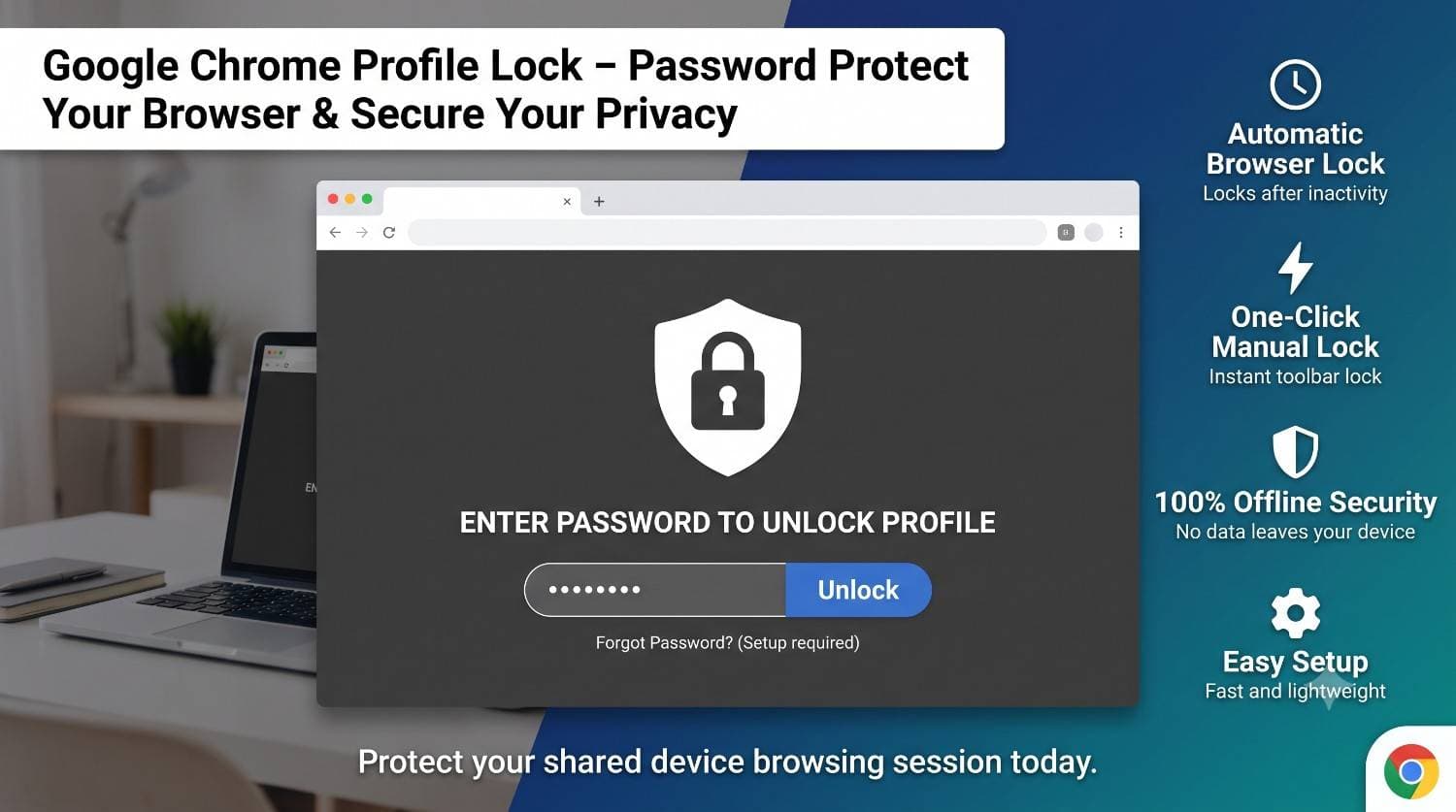
Google Chrome Profile Lock
Password Protect Your Chrome Browser & Secure Your Privacy
About the Product
Google Chrome Profile Lock
Password Protect Your Browser & Secure Your Privacy
Google Chrome Profile Lock is a lightweight Chrome extension that protects your browser profile with a secure password. It prevents unauthorized access while keeping all data stored locally on your device. No cloud, no tracking, no accounts required.
Key Features
Secure your Chrome profile with a password.
Locks browser after inactivity for better security.
Works completely offline with no external servers.
Fast performance with minimal system usage.
Free vs PRO
| Feature | Free | PRO |
|---|---|---|
| Password Protection | Included | Included |
| One-Click Lock | Included | Included |
| Auto Lock | 5 Minutes | 1–60 Minutes |
| Premium Themes | — | Included |
| Website Protection | — | Included |
| Security Logs | — | Included |
Privacy First
- Passwords are encrypted before storage.
- No browsing history is collected.
- No cloud servers or accounts required.
- No tracking or analytics.
- Everything stays on your device.
- Works completely offline.
Perfect For
Shared family computers
School and university devices
Work accounts and dashboards
Secure browsing anywhere
Key Features
- Password Protected Chrome Profile
- One-Click Browser Lock
- Automatic Lock After Inactivity
- Secure Full-Screen Lock Screen
- Offline Password Protection
- Encrypted Local Password Storage
- Website Protection (PRO)
- Premium Lock Screen Themes (PRO)
- Custom Auto-Lock Timer (PRO)
- Security Activity Logs (PRO)
- Fast & Lightweight Performance
- No Account Required
Frequently Asked Questions
Is my password stored online?
No. Your password is encrypted and stored locally using Chrome's secure storage APIs. Nothing is uploaded to external servers.
Does Profile Lock work offline?
Yes. All security features work completely offline without requiring an internet connection.
Can I automatically lock Chrome after inactivity?
Yes. The free version automatically locks after 5 minutes of inactivity, while the PRO version lets you choose any timeout from 1 to 60 minutes.
Can I protect specific websites?
Yes. Website Protection is available in the PRO version and lets you automatically lock access to selected websites.
Does this extension collect my browsing data?
No. Profile Lock does not collect browsing history, personal information, or usage data. Everything stays on your device.
What's included in the PRO version?
PRO unlocks premium lock screen themes, custom auto-lock timers, website protection, and detailed security activity logs.
Specifications
- Built With
- JavaScriptTypeScriptReactTailwind CSSChrome Extensions APIChrome Storage APIManifest V3HTML5CSS3
- Released
- June 2025
- License
- Single-user Commercial License
- Support
- Lifetime Updates & Help Desk